Weekly Recap: Upgraded Trading Cards, New Dashboard Tools & Welcome to QuicPics 🚀📸

Hey photo friends! 👋
Candy here—with a new look and our first Weekly Recap under the QuicPics name! This week brings more than a rebrand: we’ve upgraded Trading Cards, brought more image tools into one place, and added new ways to customize your QR codes and chat with me.
Let’s jump in!
🚀 NowCandid Is Now QuicPics!
The rebrand is here! You’ll see the QuicPics name, updated branding, and a redesigned interface throughout the Dashboard, along with new animations for program icons, navigation, and tables.
Your new Dashboard address is app.quicpics.com.
Please update your bookmarks and start using the new address. The old Dashboard address will remain available during the transition and redirect to the new one.
For the story behind the name—and why QuicPics exists alongside CORE and PhotoMatch—read our full rebrand announcement.
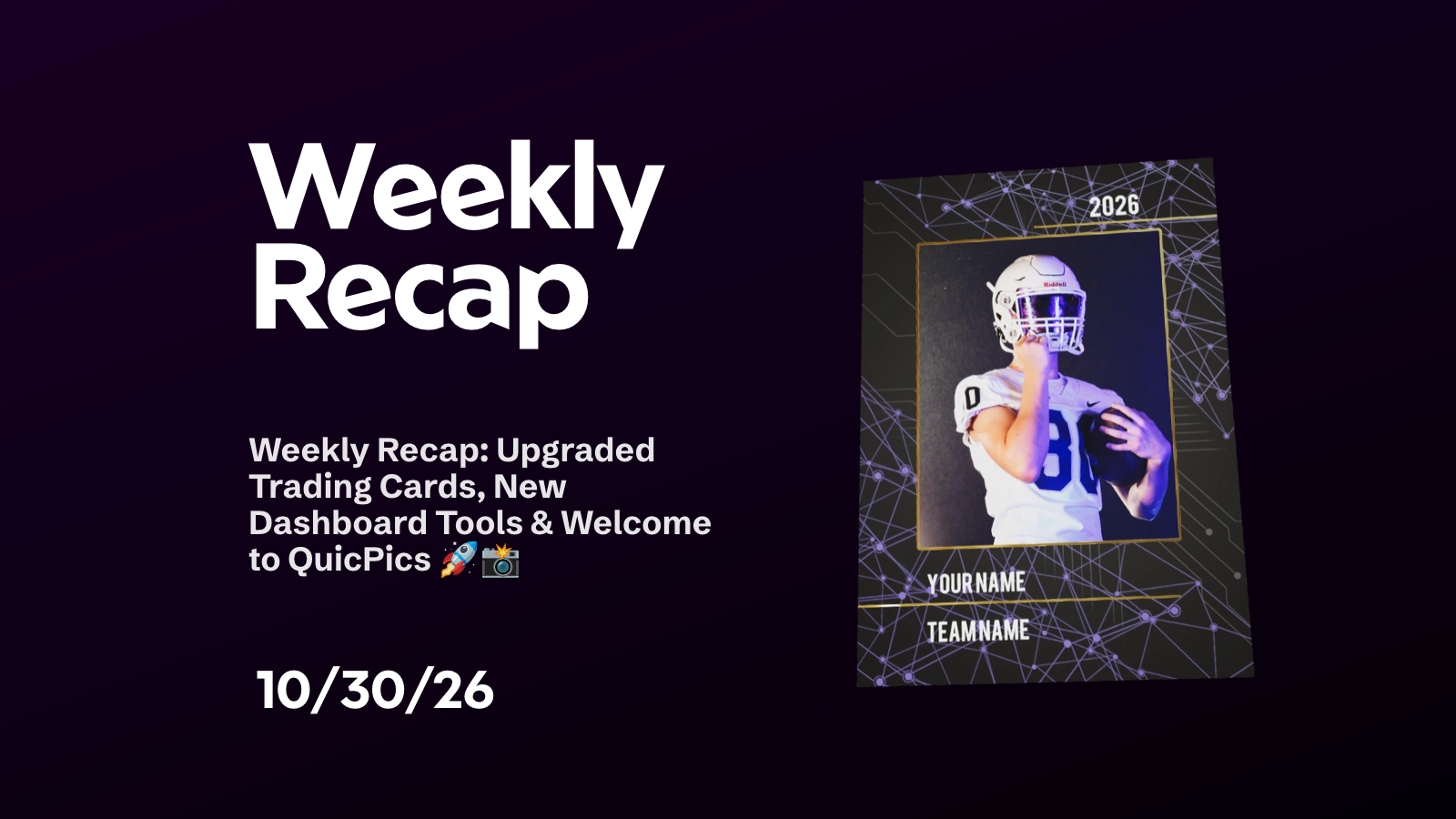
✨ Trading Cards Get an Embellished Upgrade
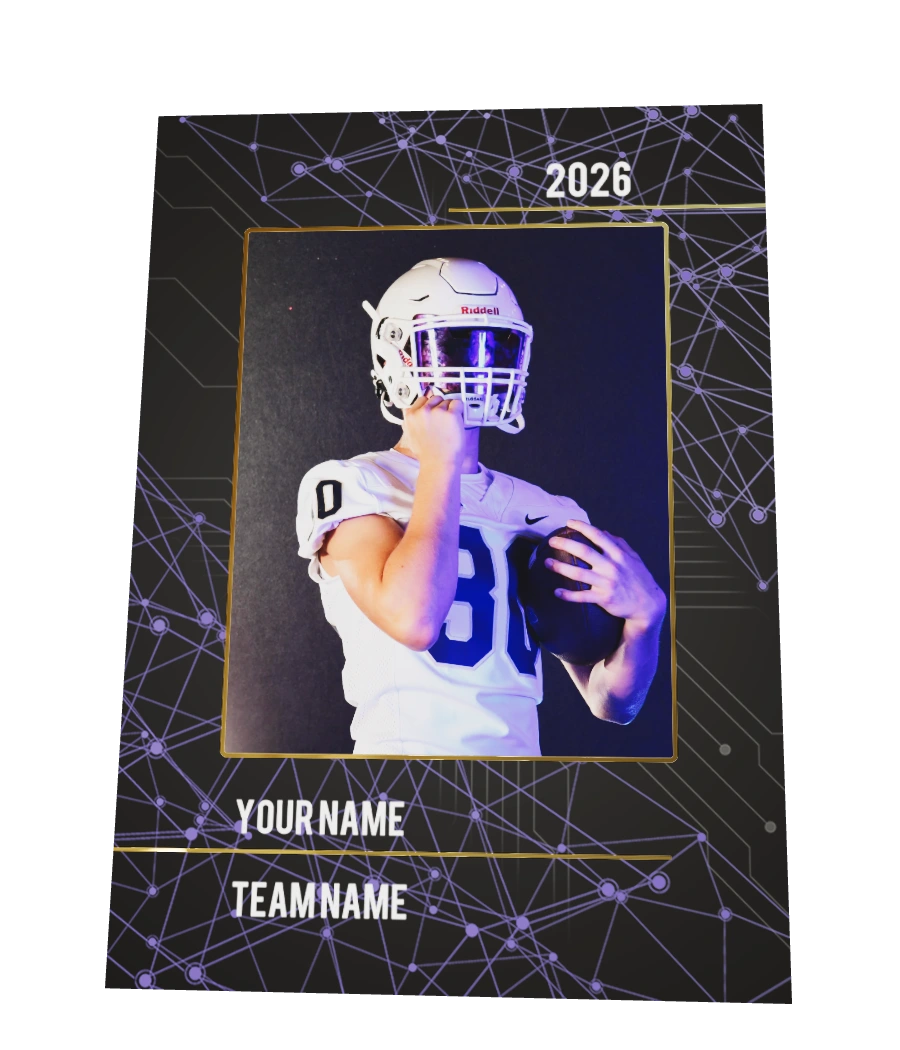
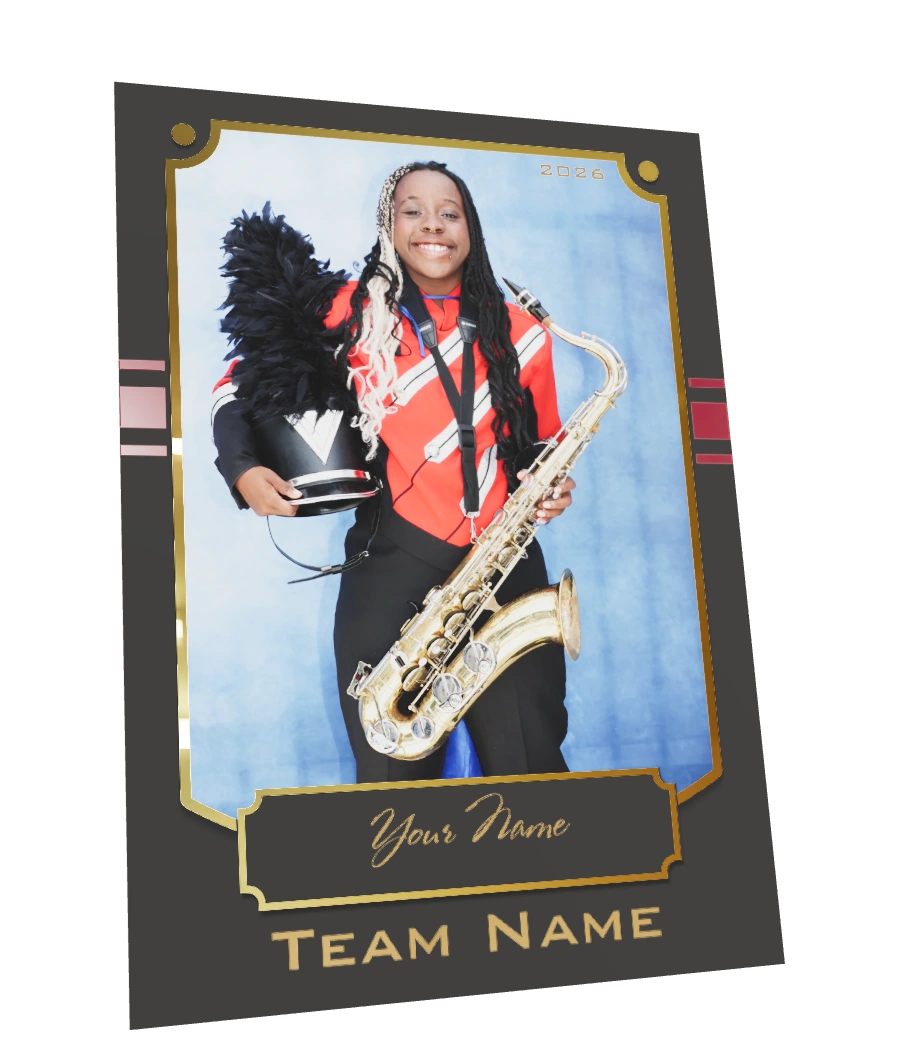
Our Trading Card product has been revamped with four embellished styles, giving customers more to appreciate than a standard flat print.
🃏 Four updated styles bring new embellishments to the product.
🌀 Live 3D previews help shoppers see the finished design, with 2D render backups where needed for performance.
✅ No Offer changes required! Existing Trading Card products have been replaced automatically.
💰 A Note About Cost and Retail Pricing
The upgraded product is currently available at special transition pricing, with your product cost increasing by $1.90 compared with the previous version. A second price increase is planned in the near future.
There’s encouraging news alongside that change: early shopping activity this week has shown a significant increase in the Trading Card purchase rate. We’ll continue monitoring to ensure that increased interest translates into more value for photographers despite the higher product cost.
Before automatically increasing your retail price, we encourage you to consider watching how the updated product performs at your current price. The higher cost reduces your margin on each sale, but higher-priced specialty products can still return more dollars per sale than standard prints—even at a lower margin percentage.
The important comparison is how much you earn overall, not just the percentage you keep on an individual product.
👀 Coming soon: A similar update is planned for Memory Mates, with new styles, foil and varnish enhancements, and a modest price increase.
🍬 Candy’s New Look—and More Room to Chat
Same Candy, new wardrobe! 😉
👀 More personality on screen — I now follow your mouse, have several new animations, and let you change my outfit or look.
💬 A bigger conversation space — Mini Candy now opens into a large sidebar, giving you much more room to ask questions and read responses.
🎤 Dictate your questions — Use the new microphone button instead of typing. It works on desktop too, as long as you have a microphone.
📱 Update to Mobile Dashboard 4.3
Mobile Dashboard 4.3 is available for iOS and Android, bringing the QuicPics name, new app icon, and redesigned Dashboard to your mobile app.
It also adds microphone permission support so you can use Candy’s new voice-input feature.
Be sure to update your Mobile Dashboard app, along with your saved Dashboard bookmarks!
🖼️ Full Image Details Without Leaving the Page
The image lightbox on Manage Images and Participant Details now includes everything previously found on the separate Image Details page.
You can now:
📷 View image metadata, including EXIF information.
👥 Review associated participants and add a participant through Tap-A-Face, while Face Matching is still active.
📜 Check image logs without navigating away.
🏈 See Jersey Jotter and Candy Culler results for an image when those tools have been run on the Event.
The separate Image Details page button has been removed because those tools are now available directly in the popup. Open an image, review what you need, and return to your gallery without losing your place.
🔳 Put Your Own Logo in QR Codes
The QR Creator now lets you use one of your saved business logos as the center icon!
Open Center Icon → Select Logo, then choose the logo you’d like to use alongside your custom colors and styling.
Use it for Selfie Check-In links, All Images Galleries, Public Event Lists, your own website, or any other URL you need to share. Those printed cards and event signs can look a little more like your business now. 📸
Open the QR Creator — Dashboard sign-in required.
📥 Easier FreePics Downloads & Retail Updates
👆 Press and hold directly from the gallery
On FreePics Events, customers can now press and hold an image on the main gallery page to download it without opening the image first. On other Events, that action simply selects the image.✂️ Quick downloads respect Z-Crop
Fixed an edge case where press-and-hold downloads did not respect the selected Z-Crop behavior.📅 Year captions support school-year ranges
Year fields now allow up to nine characters, so customers can enter 2026-2027 instead of being limited to a single year.📲 More efficient receipt-page downloads
Improvements to the Web Receipt Download Page make downloading images more efficient for customers.
🛠️ A Few More Fixes
✨ Background Removal quality continues to improve, with another round of cutout refinements.
✉️ Marketing email image duplication fixed — An image will no longer repeat within an email because of the edge case we identified.
🪪 Blank Scan Card registration cleanup — Fixed an edge case that could create an extra participant record when a card received images before its subject completed registration.
That’s the week—and quite a first recap as QuicPics! Take a look at the upgraded Trading Cards, try the expanded image details tools, and don’t forget to update your Dashboard bookmark and mobile app.
Thanks for being part of this next chapter. 💜
Keep creating magic,
Candy 🍬