Sports Photography
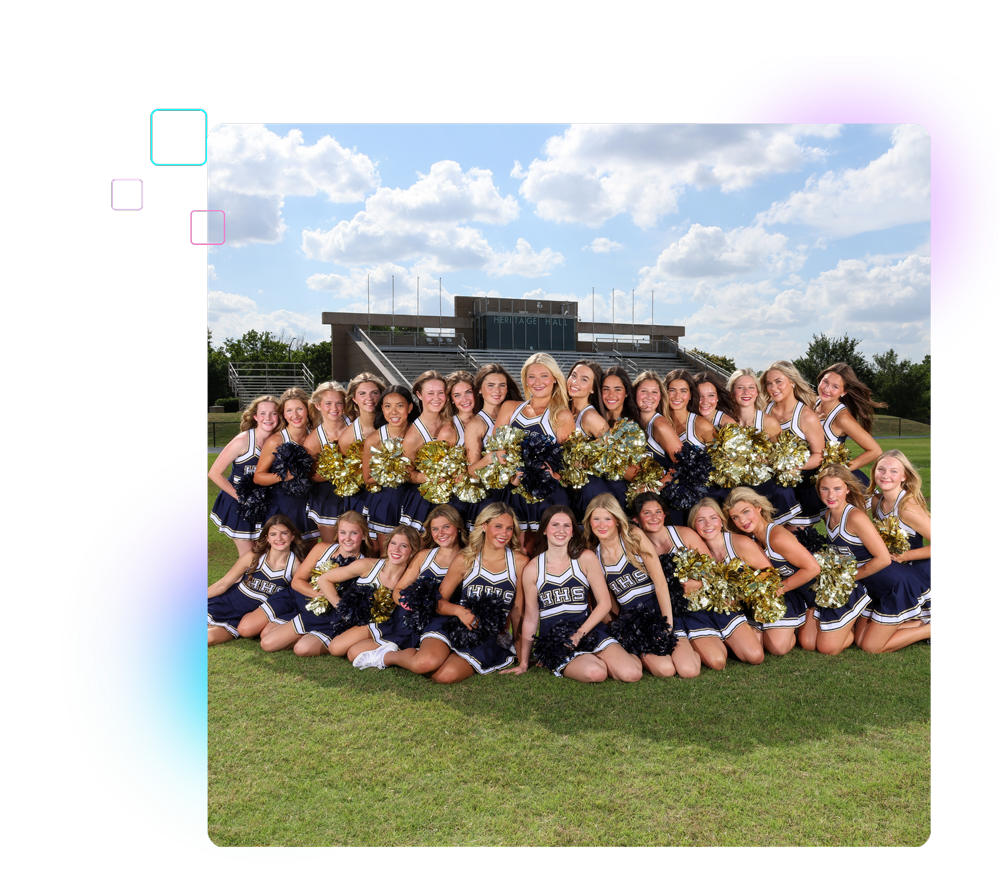
From league picture days to sideline action, SportsPics brings sports photography and photo sales together in QuicPics. Give every season more ways to shine.
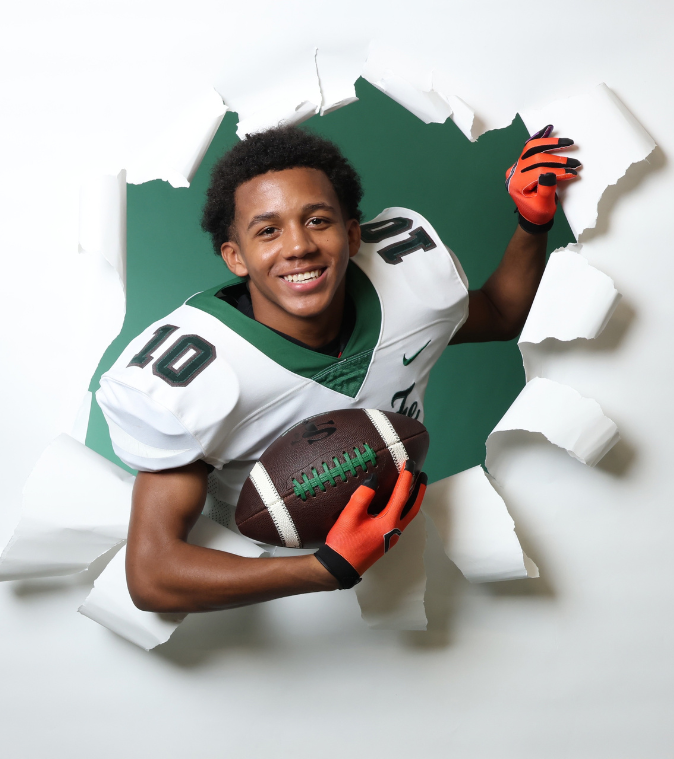
Picture day, made personal
Give each family a direct route to their athlete’s portraits, with room for team and season memories.
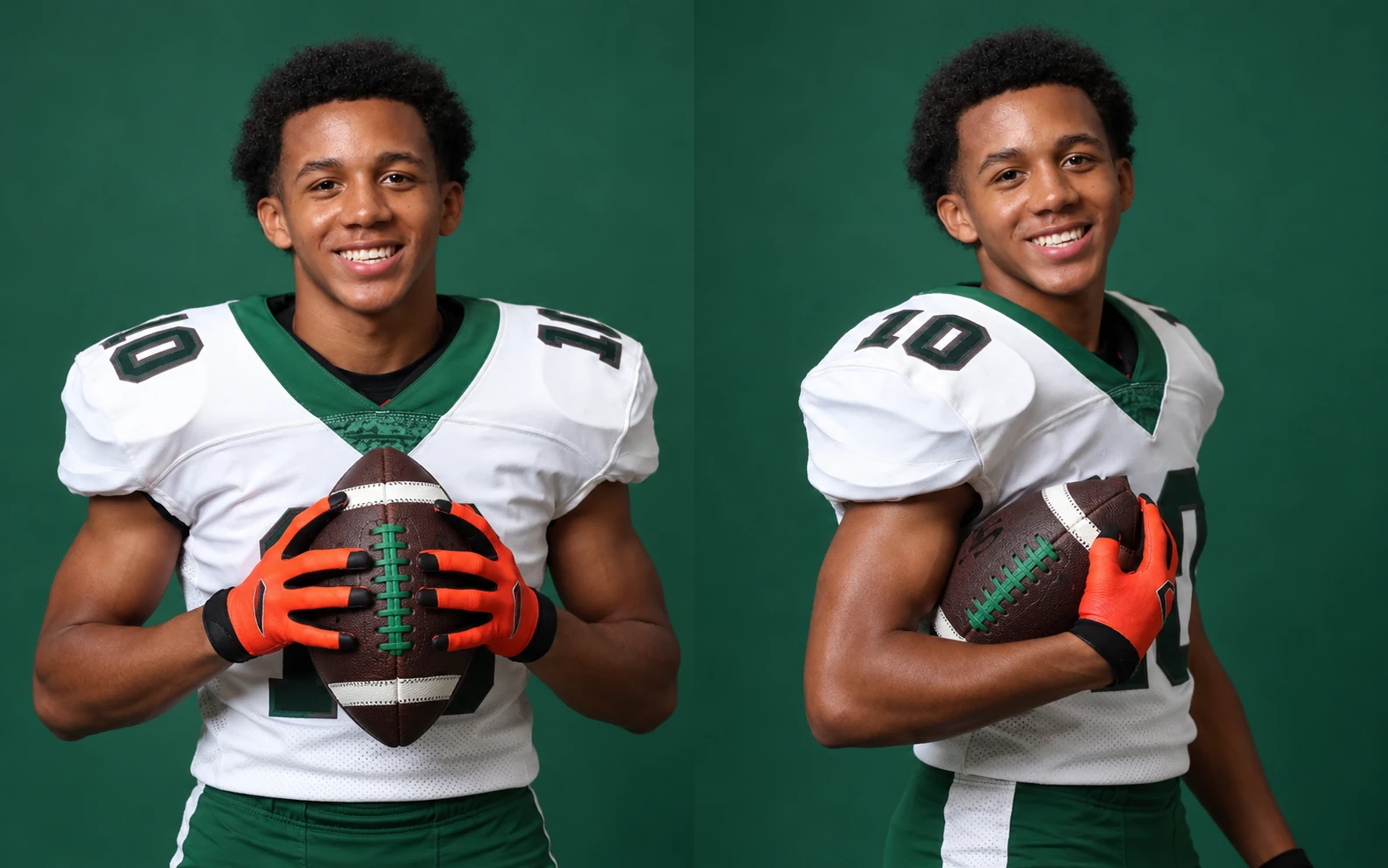
Check in your way
Use Scanner ID or Name Lookup for a structured line, or Selfie Check-In™ for flexible Face Matching.
Personal gallery links
Send each family a gallery link by text or email, with photos connected to their athlete.
Products with team spirit
Foil trader cards, memory mates, bag tags, plaques, and wall stickers make the season something families can keep.
Built for Sports Photography

Virtual teams
Build a team photo from individual portraits inside QuicPics. Use background removal and team artwork to create a coordinated look.
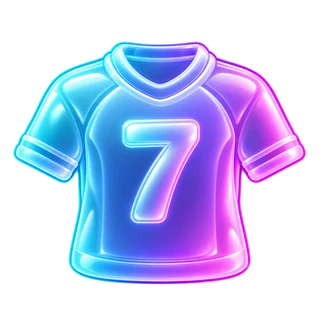
JerseyJotter™
When you enable the All Images gallery, JerseyJotter™ lets families filter action photos by recognized jersey numbers and colors.

PhotoTags
Tag athletes and images by team, game, or division to keep large events organized and build browsable gallery groups.
How it works
A flexible game plan for picture days, tournaments, and everything between.
1
Set your sales plan
Set prices and shipping in your Offer, and check margins before picture day. Dollar-value vouchers can support advance sales.
2
Upload live or later
Live-upload action shots while the tournament is underway, or finish your picture-day edits before uploading from a computer.
3
Let orders flow
Automated reminders bring families back to the mobile store. Lab fulfillment, digital delivery, and retail support take the order follow-up off your plate.
More of every sale stays yours
No subscription, license, or onboarding fees.
5% ecommerce + 3% processing
Product, shipping, and optional AI editing costs apply. Neither percentage is charged on collected sales tax.
See the fee breakdown →FAQs
Quick answers for busy sports photographers.


For posed picture days, Scanner ID, Name Lookup, and roster-based workflows help connect each athlete with their portraits. Face Matching offers flexibility when faces are visible across multiple stations or shots. For action coverage, use PhotoTags and All Images gallery filters to help families find relevant photos.
Yes. SportsPics supports individual portraits, team photos, picture days, games, and tournaments. Use personal galleries for identified athletes and PhotoTags or jersey filters for broader action coverage. Your setup can change from one event to the next.
PhotoTags organize images by team, game, division, or another useful category. When you enable the All Images gallery, JerseyJotter™ also lets families filter by recognized jersey numbers and colors. These tools narrow the search without manually building a gallery for every athlete.
Yes. Import rosters, organize athletes and images with PhotoTags, and use image identification to keep large picture days manageable. Personal galleries, automated messaging, online ordering, and fulfillment help carry the job through after the shoot.
No. Live uploading can help families browse action photos during a tournament or game. For picture days, you can edit first and upload afterward. Choose the timing that fits your staffing, connection, and sales plan.
No. There are no subscription, license, or onboarding fees. Product sales carry a 5% ecommerce fee and a 3% processing fee, plus applicable product and shipping costs. Neither percentage is charged on collected sales tax.
Face Matching, background removal, automated marketing, retail support, and long-term image hosting are included without separate add-on fees. Optional AI edits have usage-based costs.
Yes. Create dollar-value promo codes with the Discounts tool and sell or distribute matching vouchers before picture day. Families apply their code in the online store once photos are available. Arrange payment for the voucher separately.
Use Virtual Group Builder inside QuicPics to combine individual athlete portraits into one team image. Background removal creates the cutouts, and team artwork ties the design together. PhotoTags can help organize athletes for each group.
No. JerseyJotter is a browsing tool in the All Images gallery, where shoppers filter by recognized jersey numbers and colors. Personal galleries use your chosen identification workflow. Use the tools together when covering both posed portraits and action.
Put your next season in motion
From one team to a whole league, we’ll help you choose a sports workflow that fits. See SportsPics in action.