




Device
Apple, Android, or Windows devices work for most QuicPics Workflows, but aren’t needed for certain Workflows such as Selfie Check-In or PhotoRosters.
A few details. A quick hello to Candy. Your next chapter starts here.
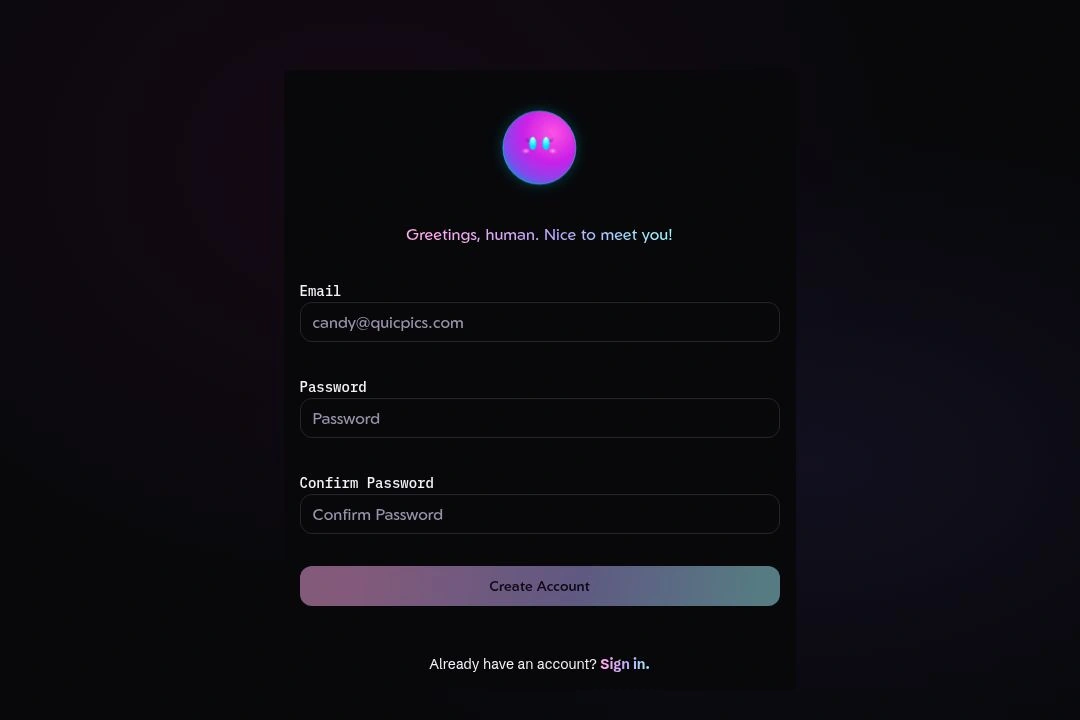
Choose Open an account below to get started.
Enter your email, choose a password, and confirm it.
Check the box to confirm you are not a robot. Although... a robot photographer could be cool.
Select Create Account to finish signing up.
Apple, Android, or Windows devices work for most QuicPics Workflows, but aren’t needed for certain Workflows such as Selfie Check-In or PhotoRosters.
Any camera will work when not using a tethered smart device. When tethering, virtually any Canon or Nikon will work, as well as certain Sony, Lumix, and Fuji models.

The QuicPics Capture & Upload App is available for Apple, Android, and Windows. It is only required when using certain Workflows. Download the App
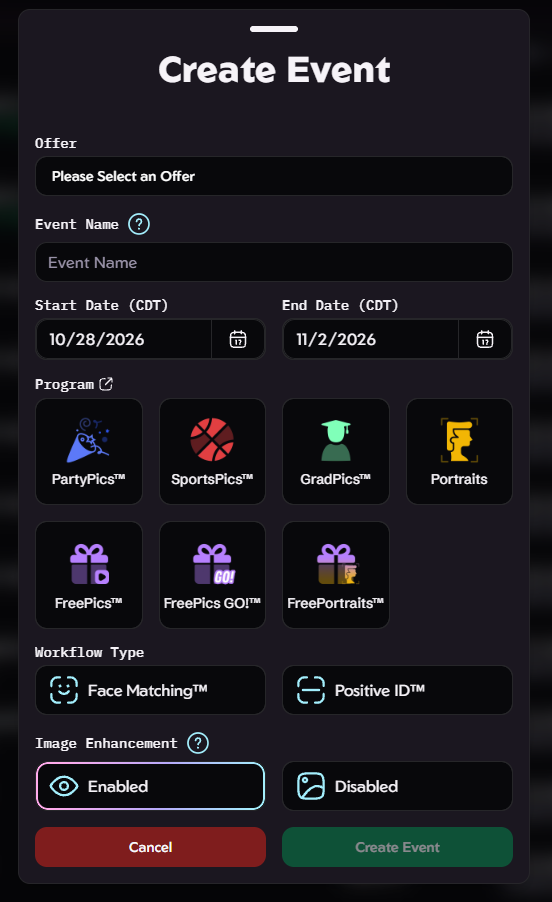
Quick and Easy Creation with only a handful of prompts
On Event Creation, enter the Name & Date, and select your Market
Choose a Workflow and build your Offer, or pick a prebuilt default
Photograph the event (and upload images from a tethered device or our website)
Done! Marketing Begins Automatically, and You Receive Automatic Payouts from Sales
Create your account, or get in touch if you’d like to learn more before signing up.