Portrait Photography
Make busy portrait days feel personal. QuicPics’s Portraits program brings Santa sessions, senior portraits, and tourism photos into one flexible system for online photo sales.
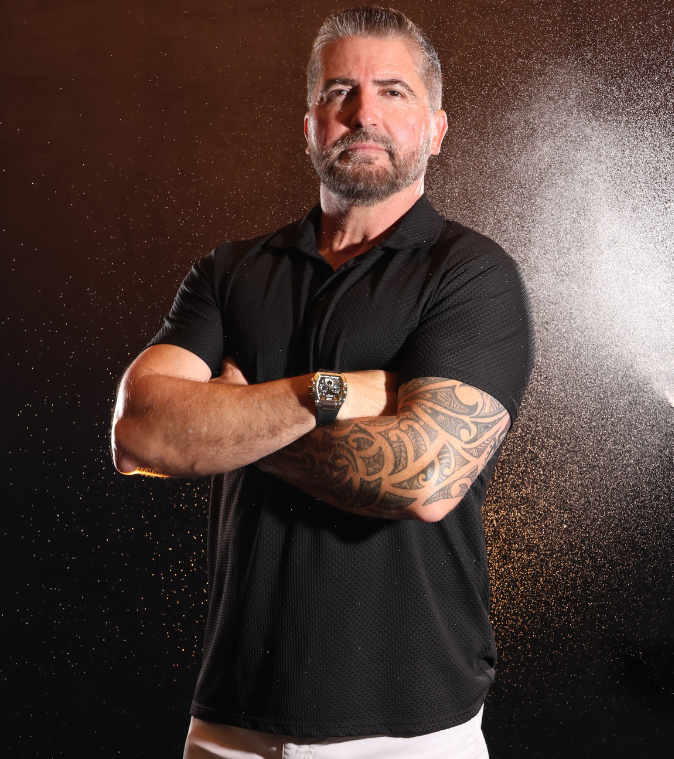
Portraits worth making their own
Let buyers choose the look and keepsake that fit them.
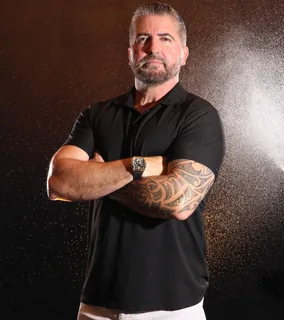
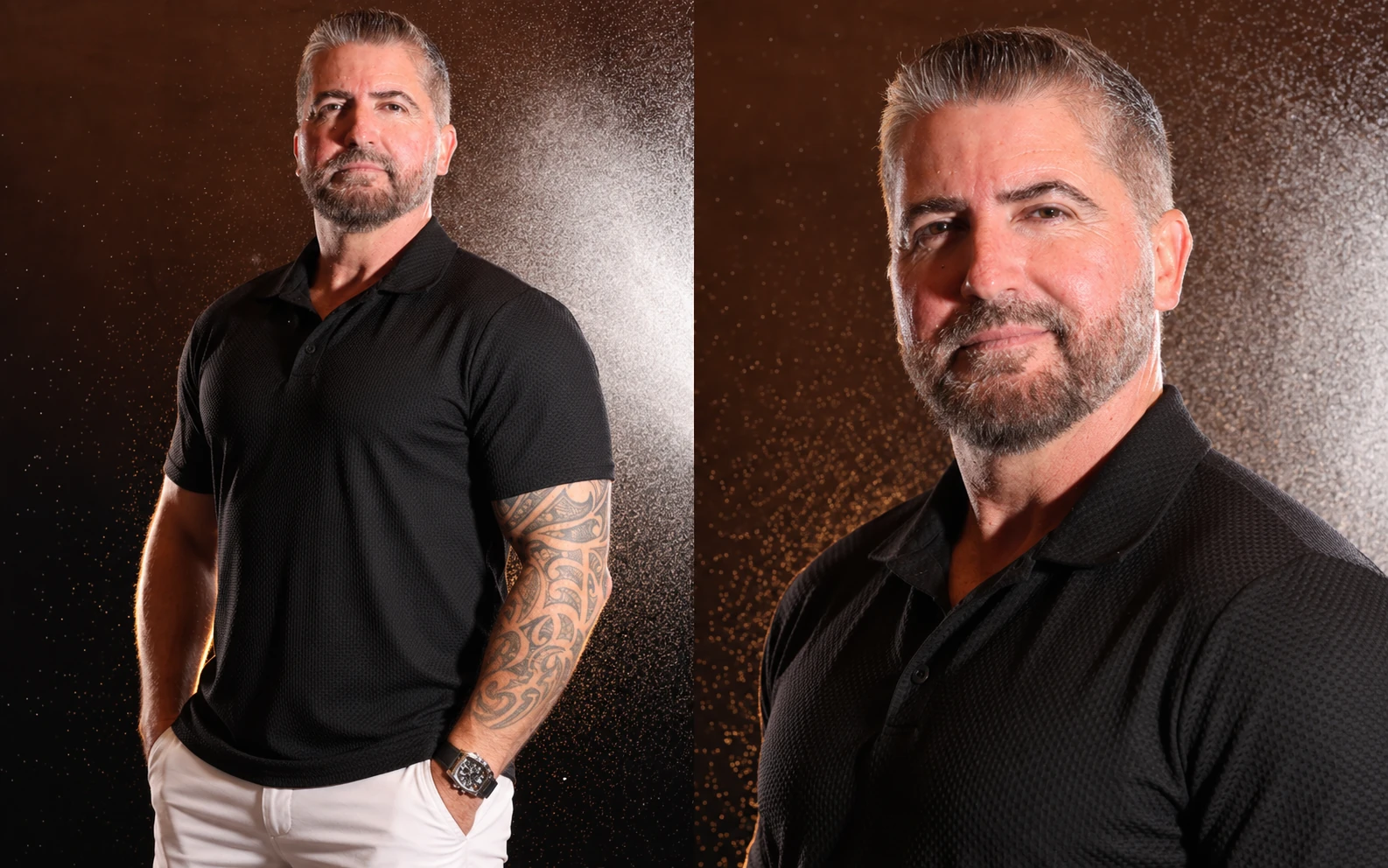
Choose a background
With included background removal, subjects preview portraits on different backgrounds before ordering. Enable AI background generation for even more choices.
Their photos, ready to view
Subjects open a private gallery, or a shared all-images gallery when the job calls for browsing.
Order from their phone
Send gallery links by text or email. Subjects order downloads, prints, and wall or desktop displays through a mobile-friendly store.
Built for Portrait Photographers

Keep selling
Automated text and email campaigns bring subjects back after Santa, tourism, or portrait sessions, long after an on-site print line would close.

Auto retouching
Use Auto Editor to apply portrait retouching as images process, then tackle glare on glasses with AI tools in the Dashboard.

Flexible workflows
Choose contact-first workflows like Type & Take or Scanner ID for a portrait line, or Face Matching when subjects move between outfits and stations.
How it works
Build the portrait workflow that fits your pace and your business.
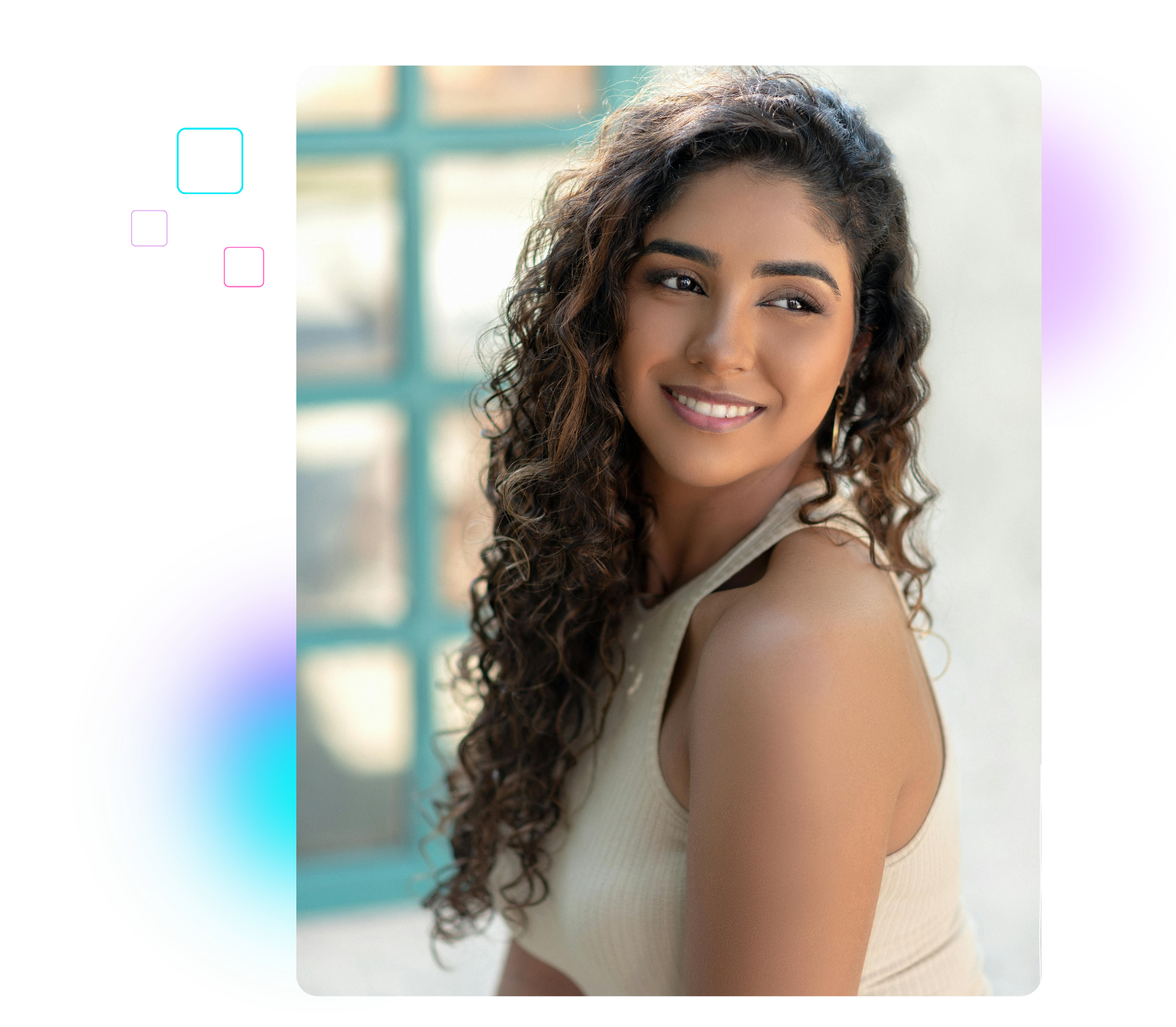
Set your prices
Create an Offer, your event’s price list, with retail prices and shipping that fit your business. Check margins before you start.
Capture and upload
Upload live when speed matters, or edit first and upload afterward. Release images on the schedule that suits the session.
Leave fulfillment to us
Orders flow to lab fulfillment and digital delivery. Our retail support team helps buyers with order and product issues.
More of every sale stays yours
No subscription, license, or onboarding fees.
5% ecommerce + 3% processing
Product, shipping, and optional AI editing costs apply. Neither percentage is charged on collected sales tax.
See the fee breakdown →FAQs
Quick answers for busy portrait photographers.


Portraits works for Santa sessions, senior portraits, tourism and destination photography, daycare and preschool, dance, youth organizations, headshots, and other high-volume portrait jobs. It is designed for shoots where you need to identify many subjects, deliver galleries, and sell photos online.
Positive ID workflows such as Type & Take, Scanner ID, and Name Lookup connect photos to entered or selected contact information as you shoot. They suit structured portrait lines. Face Matching workflows suit subjects who change outfits or visit multiple stations. Choose the method that fits each event.
Yes. Subjects receive personal gallery links by text or email for images connected to them. You can also enable an All Images gallery when broader browsing suits the job. Gallery access is controlled through your event settings.
Yes. QuicPics supports high-volume portrait days with hundreds or thousands of participants. Identification, personal galleries, automated communication, online ordering, and fulfillment help keep the shoot and its follow-up organized.
No. Upload live to make portraits available sooner, or edit first and upload afterward. You can plan release timing around staffing, internet access, and retouching needs. Automated reminders can bring buyers back once their images are ready.
No. There are no subscription, license, or onboarding fees. Product sales carry a 5% ecommerce fee and a 3% processing fee, plus applicable product and shipping costs. Neither percentage is charged on collected sales tax.
Face Matching, background removal, automated marketing, retail support, and long-term image hosting are included without separate add-on fees. Optional AI edits have usage-based costs.
Yes. Share an organizer download link for selected images, so your client or venue contact can access the photos they need without signing in to your full photographer Dashboard.
Offer downloads, prints, packages, and home-display products such as wall hangings and metal desktop prints with kickstands. You select the available products and prices in the event’s Offer. Buyers choose their favorites and check out online.
Yes. Auto Editor can apply portrait retouching as images process. AI editing tools in the Dashboard can help reduce glare on glasses. These advanced edits have usage-based costs, so review the selected tool’s pricing when planning your event.
Online ordering lets buyers return after the portrait session and choose more than the print available at the booth. You can sell downloads and display products, use automated follow-up, and rely on lab fulfillment without running an on-site print station.
Use Portraits when subjects buy their own downloads, prints, or products. Use FreePortraits for client-funded headshots or similar jobs where subjects receive images at no charge. FreePortraits has a per-image cost and allows each image file to be texted only once.
Yes. With background removal and the appropriate event setup, buyers can preview different backgrounds before ordering. You can also enable AI background generation for more choices. Background removal is included; optional AI generation has its own pricing.
Make your next portrait day easier
From Santa sessions to senior portraits, we’ll help you choose a workflow that fits. Talk with our team and see Portraits in action.