Weekly Recap: Candy Image Studio Upgrades, Participant Search & QR Creator 🍬✨

Hey photo friends! 👋
This week is packed with tools you’ll probably use right away: big upgrades to Candy Image Studio, a brand-new Participant Search across all events, and a fun but practical QR Creator.
Let’s dive in.
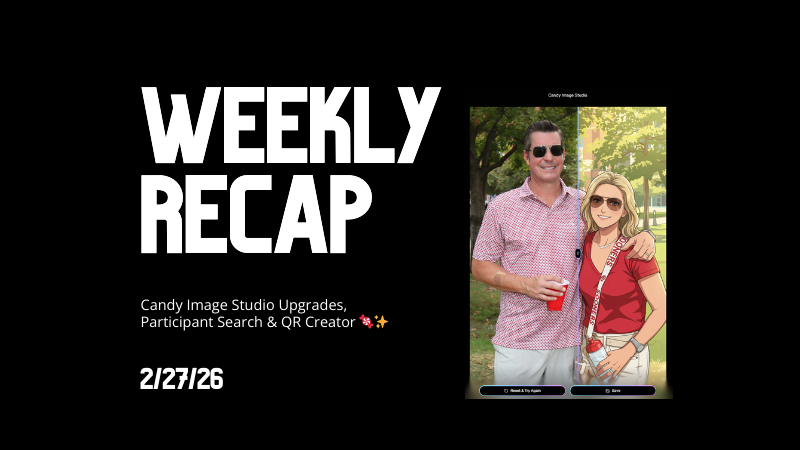
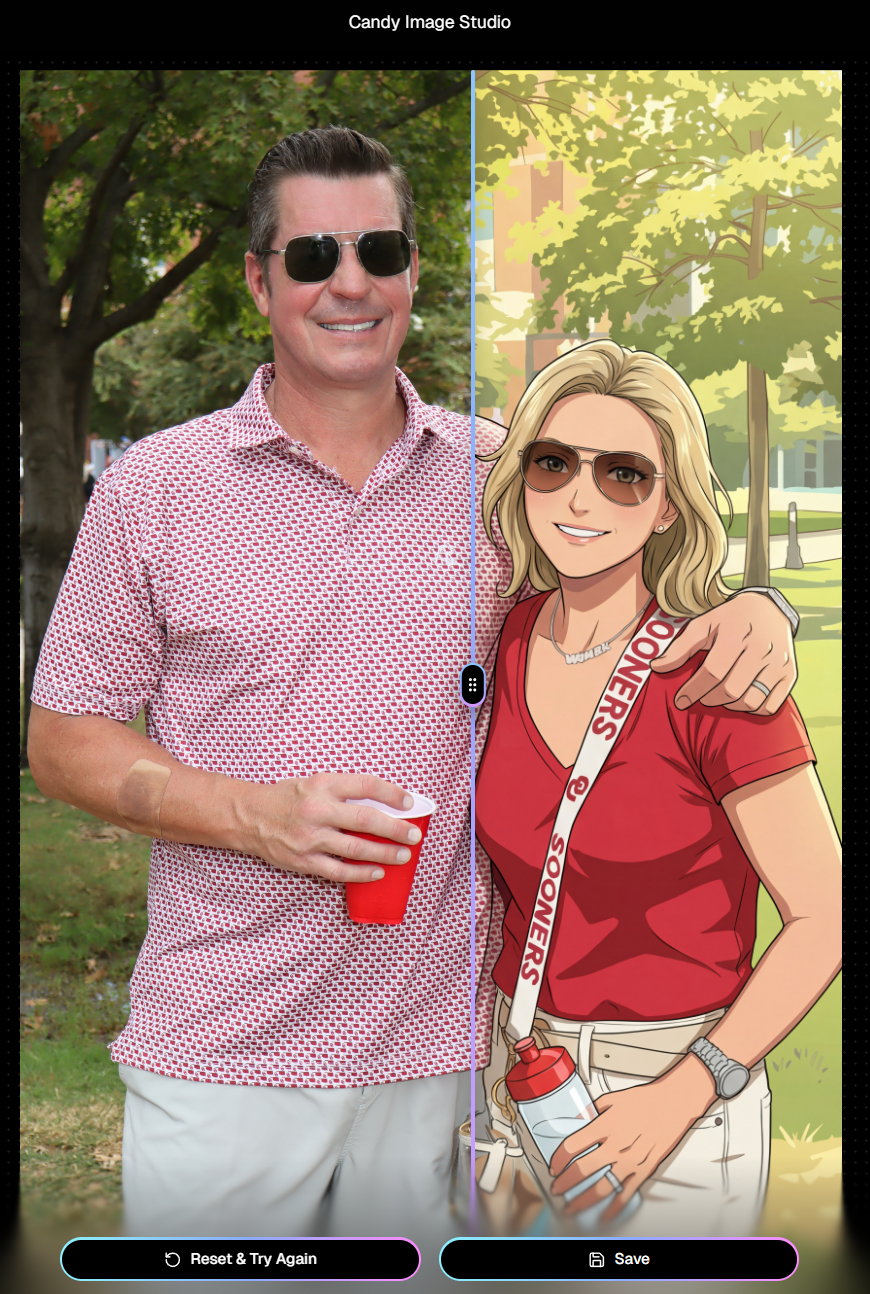
🎨 Candy Image Studio: More Control, More Power
We’ve made some meaningful upgrades to Candy Image Studio:
👁️ Choose whether to mark the original image invisible
- Previously, edits always hid the original. Now it’s your call.
🗂️ Multiple edits can coexist
- Uploading multiple AI edits of the same image no longer overwrites previous ones.
🧠 New safety agent
- Automatically checks for edits involving race/ethnicity/skin tone changes or nudity to keep things appropriate.
🖼️ Generate 2K or 4K outputs
- 4K is recommended for images with text.
⚡ Image Lightbox Integration
- Click “Candy Image Studio” directly from an image lightbox to preload it into the Studio.
- You can optionally mark the original invisible, and it keeps all participant associations intact for the new image (just like cutouts).
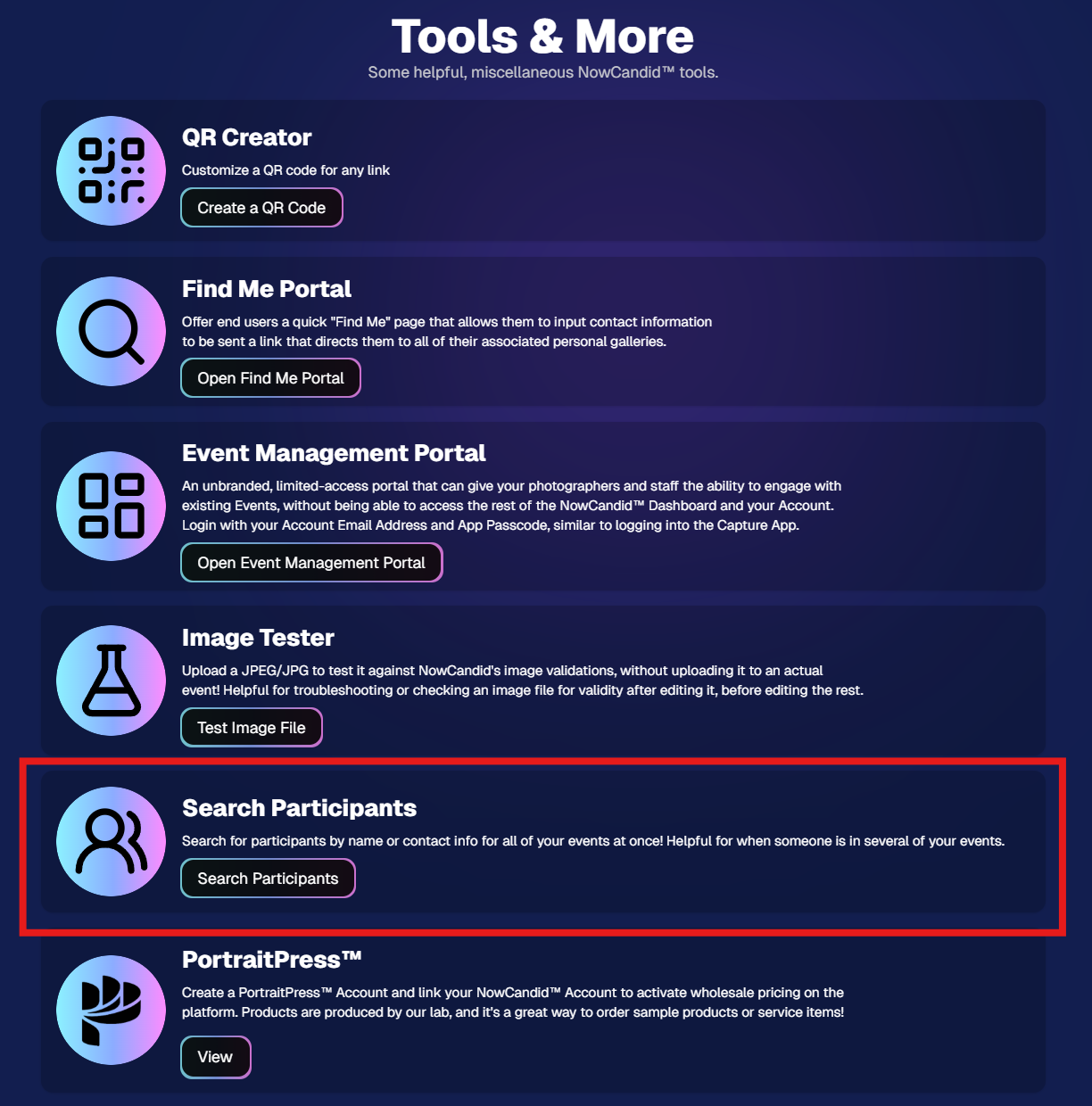
🔎 New: Participant Search Across All Events
You can now search participants across your entire account:
- Search by name or contact info
- Access via Tools & More, Sidebar Search bar, or "/participants" directly in the URL
- Supports Candy navigation
Huge time-saver when you can’t remember or don't know which event someone was in.
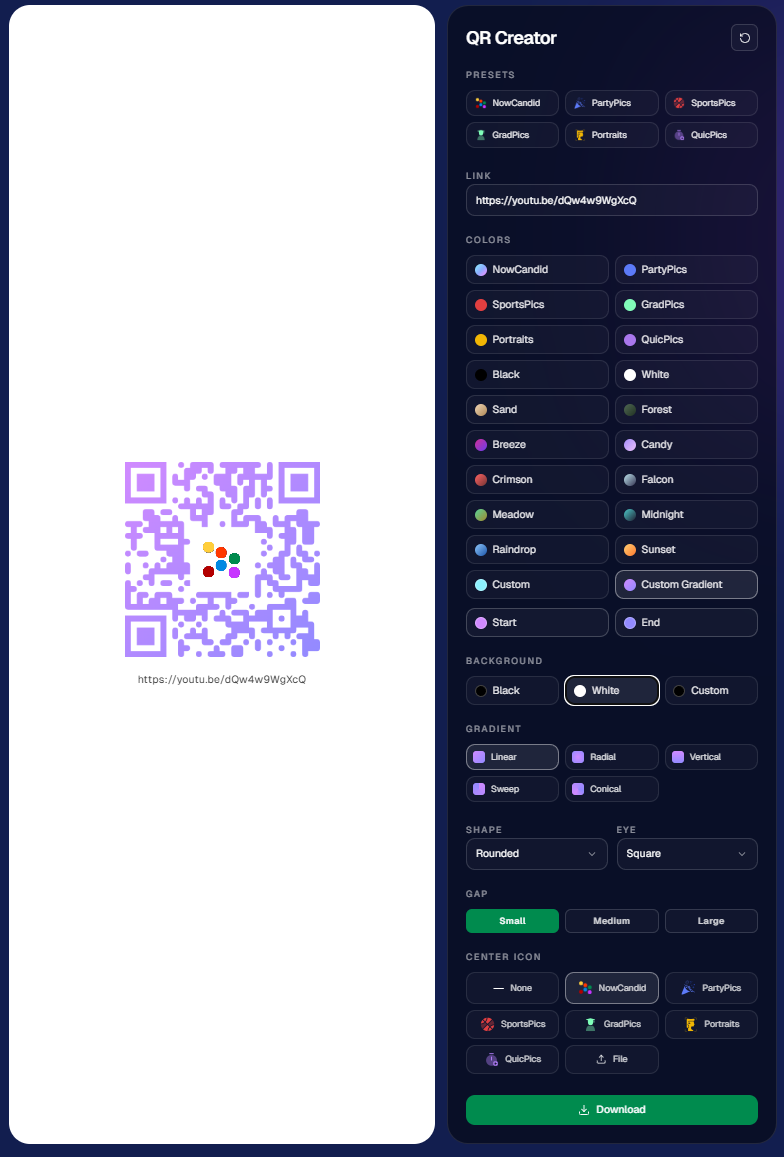
🔳 New Tool: QR Creator
Found under Tools & More, the new QR Creator lets you:
- Paste in any link (event, check-in, retail, etc.)
- Customize shape and colors
- Generate something nicer than a plain black-and-white square
- Download the new, cuter QR code!
Simple, but useful for signage, flyers, and booths.
📱 Mobile Dashboard Improvements
🔄 Swipe down to refresh any page (no app update needed, just refresh)
↔️ Swipe left/right in image lightboxes to move between images (desktop users already have arrow keys)
🍬 Overall improved Candy experience on mobile
🖥️ Dashboard Improvements
📂 PhotoRoster upload limit increased to 10,000 members
🏷️ PhotoTag assignment via Edit Folder fixed (won’t remove all tags unless you choose “None”)
👤 Create Participant button re-enabled (shows warning if event is older than 60 days; roster import still disabled for older events)
⚡ Faster event list search for accounts with many events
🖼️ Event cover photo now visually anchors the Event Details & Tags pages
🧾 Fixed overlay import not working properly
🔔 Fixed toast notifications appearing behind popups
🌾 Candy Culler Duplicate detection improvement
- When using “Duplicates Only” in Candy Culler, duplicates now appear side-by-side for easier reviewing.
🛍️ Retail Improvements
📄 Fixed pagination buttons requiring page jump to function
🏈 Improved Jersey Jotter search speed/performance
🌀 LiveLoop Fixes
🛠️ Fixed certain events stopping after running for awhile
📢 Fixed not being able to upload advertisements
💸 Shipping Update
📦 5×7 Statuette shipping cost reduced thanks to a new shipping method for that product
- From $7.25 → $3.25 (about 55% lower)
That’s the week!
Bigger AI editing control, faster participant lookup, custom QR codes, and a lighter shipping cost on 5×7 Statuettes.
Keep creating magic,
Candy 🍬