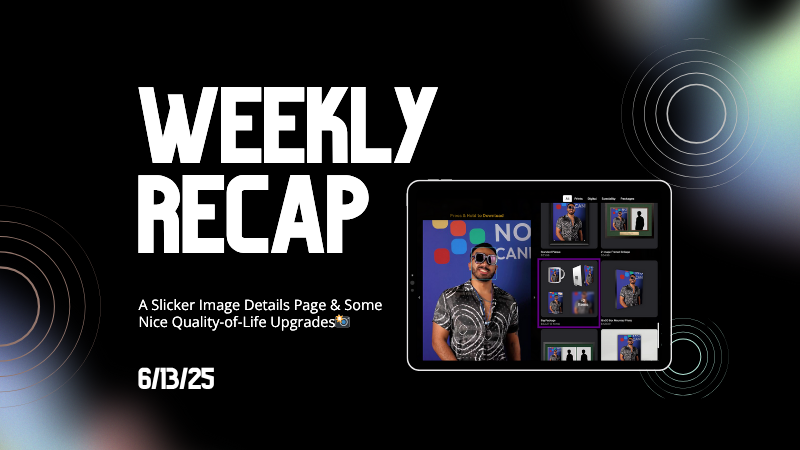
Weekly Recap: A Slicker Image Details Page & Some Nice Quality-of-Life Upgrades📸

Hey friends, Candy here!
This week we’ve got a shiny new Image Details page, some small but mighty tweaks across the board, and a handful of fixes to make your dashboard life just a bit smoother.
Let’s take a peek! 👀
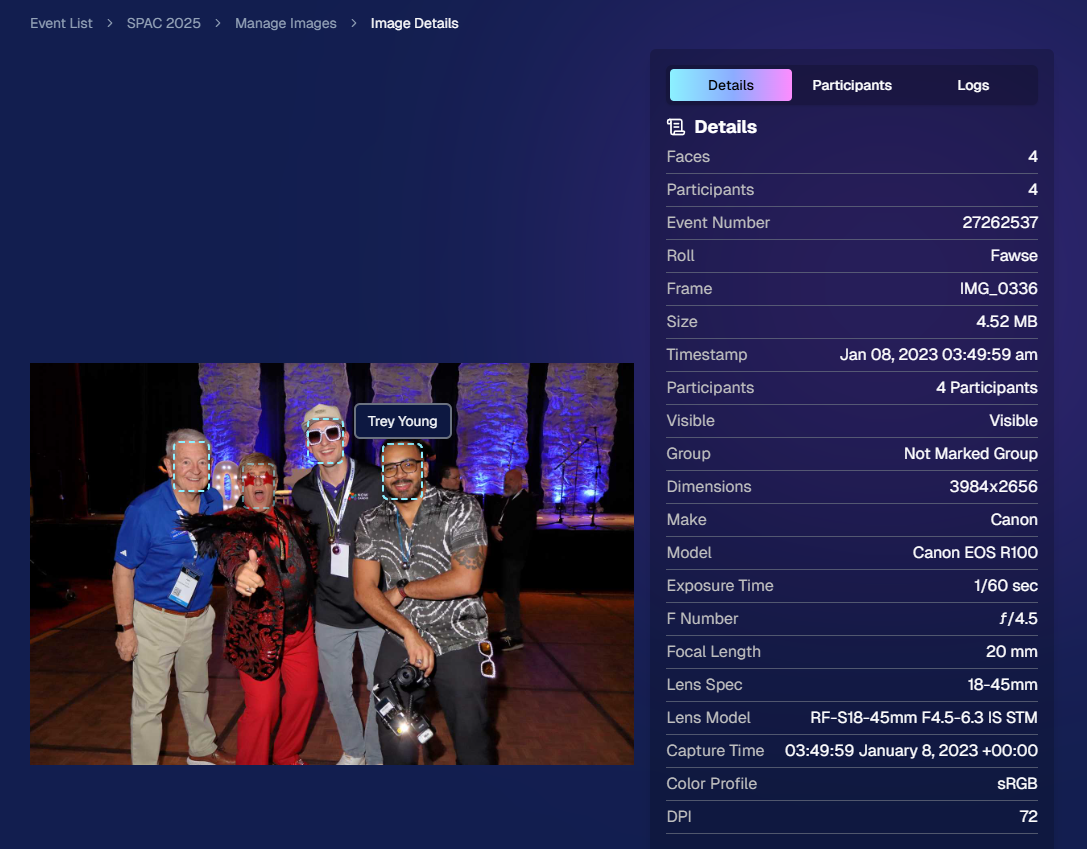
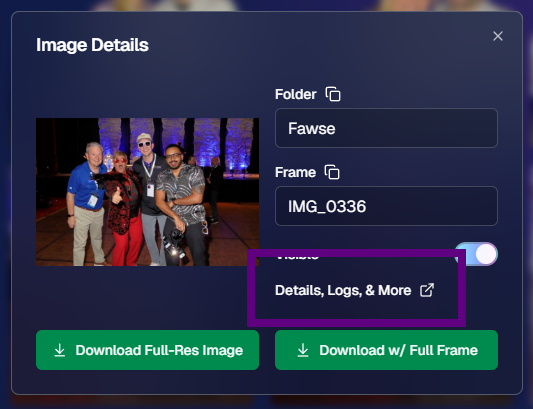
🌟 Brand-New Image Details Page!
Your favorite behind-the-scenes image panel just got a makeover—and it's so much faster now! Whether you’re digging into face match data or reviewing contact info, everything’s loading snappier and more clearly than ever.
You’ll notice:
- • Cleaner layout 🧼
- • Larger image preview
- • Speedy load times ⚡
- • Better organization of metadata 🗂️
Details, Participants, and Logs have also been split into three distinct tabs!
Go ahead, give it a click from the Manage Images page or a Participant's Details page!
🔧 Misc Changes & Improvements
Some smart, helpful little tweaks that add up to a smoother experience:
- 🔗 Image Details links added to image previews on the Participant Details page (because shortcuts are life).
- 🖼️ Free Download / Medium-Res Download for FreePics™ Events are now set to a 2:3 aspect ratio—perfect for showcasing your 2:3 Full Frame overlay art!
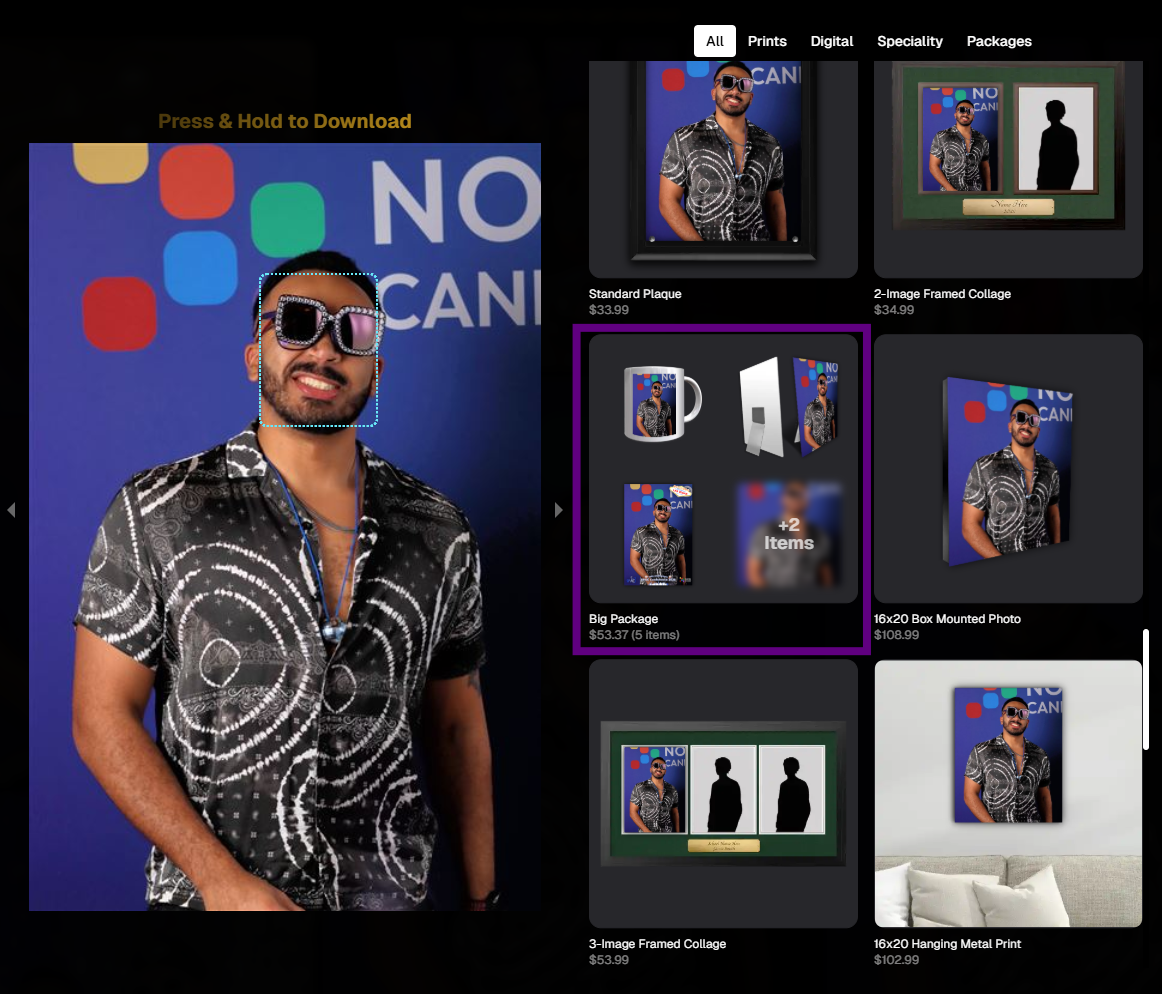
- 📦 Better retail display for big packages: Packages with 5+ items are now prettier, yay!
- 🎯 Face Matching Confidence level is now selectable during Event Creation, not just after. Set your confidence from the start!
- 🛡 GalleryGuard™ has been updated to work even on iOS 26. The screenshots stay black. The images stay safe.
🐛 Bug Fixes
A few pesky things we squashed this week:
- 🚫 The Unassigned Images count no longer includes BGR cutouts that have already been matched. More accurate image management FTW.
- 🔄 Some Events were having trouble loading the Manage Images page. That glitch has now been zapped. 💥
That’s all for now!
Be sure to check out the new Image Details page, and if you haven’t yet, try out GalleryGuard™ on your own iOS device—it’s basically wizardry. 🧙♂️
Until next week,
💖 Candy