
Let the host pay with FreePics
Build the per-image cost into your booking. FreePics texts the photo files to guests, and FreePics GO sends links to their free downloads. You can still sell prints and gifts.
Explore service photographySend galleries as you shoot, keep more from each sale, or let the host pay so guests get their photos free. QuicPics gives you a workflow for each kind of job.
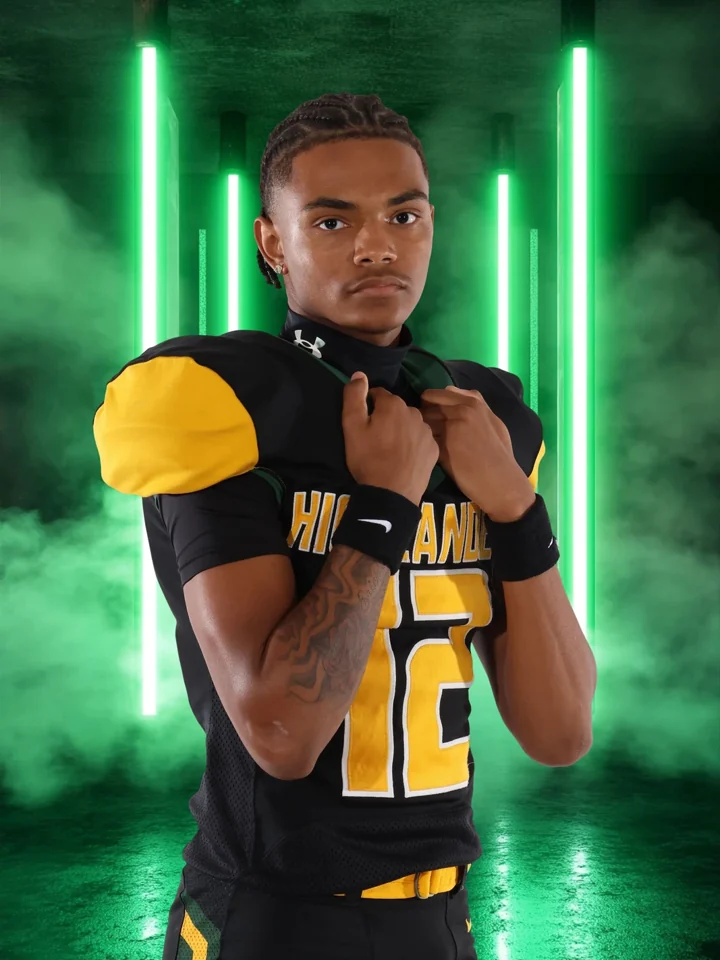
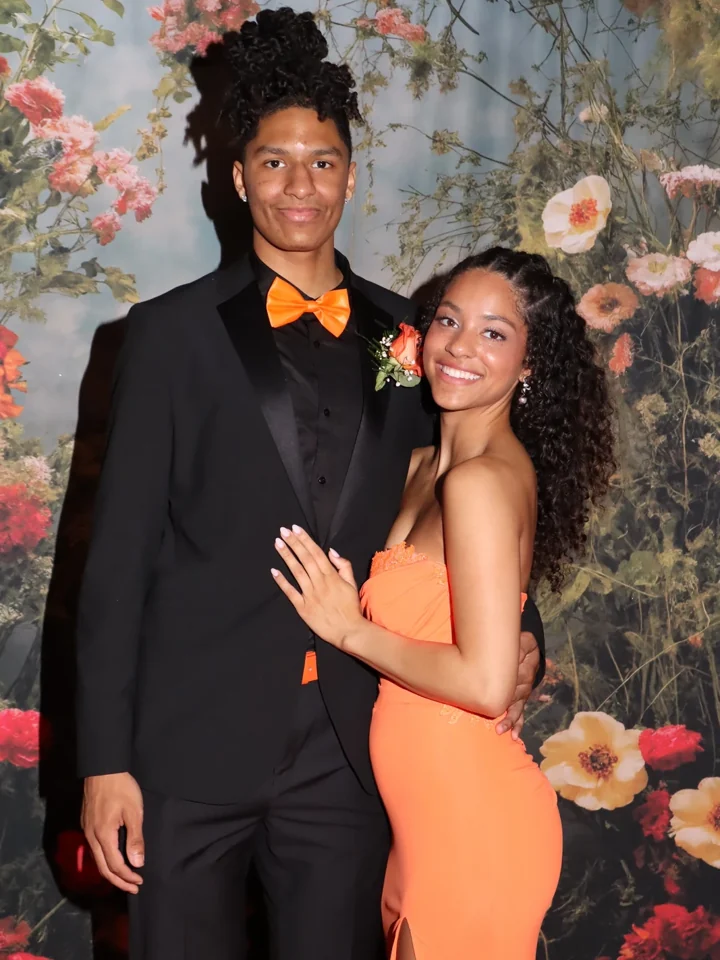
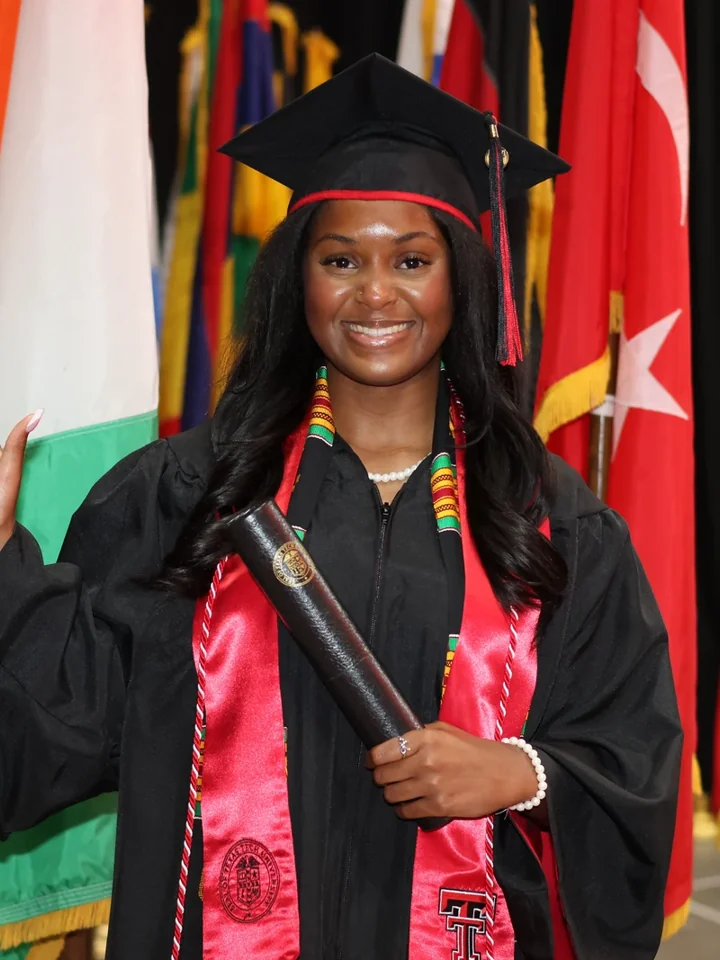
When the first photos are ready, QuicPics can text or email each family a link to their own gallery, even while the event is still going. We cover the cost of that outreach and the automated follow-ups. PhotoDay’s post-picture-day campaigns start when you publish the job.
QuicPics offers eight workflows across Face Matching and Positive ID. For jobs where you want to skip face matching, enter a guest’s contact details, select a name from your roster, or scan a card before you shoot. Positive ID sends the next shots from your tethered camera to that person’s gallery.
The two platforms can look pretty similar on paper. After using both, this studio saw how much QuicPics had been doing for their sales.
They used QuicPics for graduation season and liked how it worked.
PhotoDay let them send graduation orders to a lab they already used for other jobs. They hoped the combined volume would get them a better rate. When they shared their numbers anonymously, their graduation revenue with PhotoDay was 40% lower than with QuicPics in 2025. Their profit margin was down, too.
They’re bringing graduations back to QuicPics! The sales gap mattered, and QuicPics was easier for them to use. They preferred working with our support team, too.
Both platforms offer sales workflows with no monthly subscription. QuicPics has a lower standard transaction fee and no fixed fee per order. PhotoDay offers custom rates to qualifying high-volume studios.
| Fee | QuicPics | PhotoDay |
|---|---|---|
| Transaction fee | 5% | 10% |
| Payment processing | 3% | 2.9% + $0.30 |
Use a real order from your studio to see how the fees and fulfillment costs add up.
Estimated payout per order
$2.54 more per order with QuicPics
The example adds 8% sales tax to product and shipping charges. You can change the rate under “Adjust PhotoDay costs and sales tax.” Both payouts start from the pre-tax order total, and order margin is payout divided by that total.
QuicPics’ transaction and card processing fees use the pre-tax total. The PhotoDay estimate applies its transaction fee to the product subtotal and its card processing fee to the full checkout total, including tax. PhotoDay lab costs are editable examples, and its shipping charge is modeled as a pass-through.
Open the full Economic Advantages calculator for an itemized breakdown of sales tax, fees, and fulfillment costs.
QuicPics is built by Candid Color Systems, so your sales platform and photo lab are part of the same company. We print and ship orders and can help families with checkout, shipping, and damaged orders. You can also set your own shipping price and keep the difference when it exceeds fulfillment costs and applicable fees.
PhotoDay offers a choice of partner labs. With its default drop shipping, the lab sets the shipping rates and fulfillment costs.
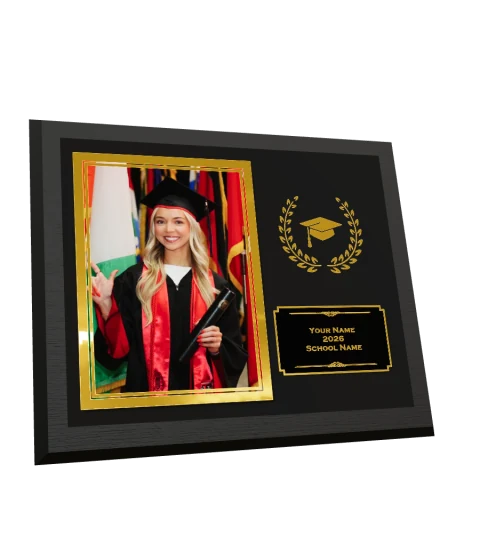

Shoppers can customize PhotoGlo™ keepsakes in the gallery and preview their foil and raised-varnish finishes in 3D before our lab makes them.
Explore PhotoGlo™Turn on background removal for your event folders and QuicPics creates cutouts as you upload. Customers can shop the originals and choose backgrounds in the gallery. The same cutouts can go into a virtual team photo.
PhotoDay’s Knockouts service costs 10¢ per image and is run as a post-processing step. At that rate, 1,000 cutouts cost $100.
We ship new features throughout the year and look for problems photographers have had to work around. GalleryGuard™ is one example. We built screenshot protection into the gallery so families can browse and buy their photos without heavy watermarks getting in the way.
PhotoDay followed with similar gallery protections. It added iOS Screen Block to its public announcement nearly 17 months after we launched GalleryGuard™ with iOS screenshot blocking.
QuicPics introduces GalleryGuard™ with iOS screenshot blocking and desktop blur.
PhotoDay releases Info Overlay and Auto Blur.
PhotoDay updates its announcement to include iOS Screen Block.
Book a sponsor-funded tournament, add a photo booth to a prom, or put that night’s photos on the venue screens. Run it all from your QuicPics event.
Build the per-image cost into your booking. FreePics texts the photo files to guests, and FreePics GO sends links to their free downloads. You can still sell prints and gifts.
Explore service photography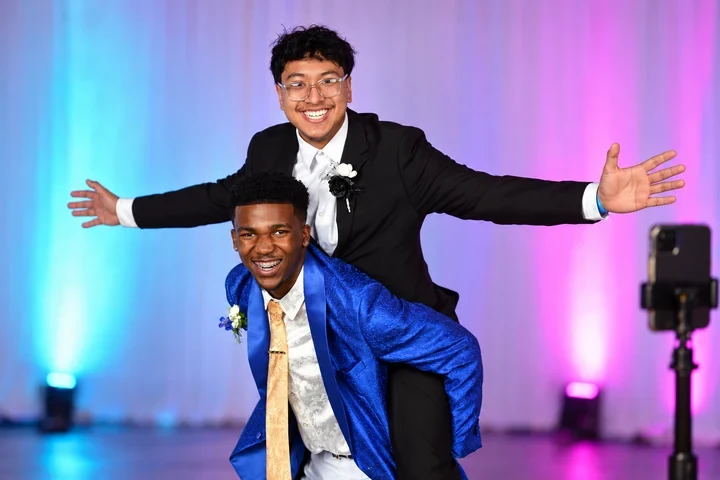
Run a self-serve photo station on an iPad with the Capture & Upload app. Booth shots can upload to the same event as your roaming photos.
Explore event photography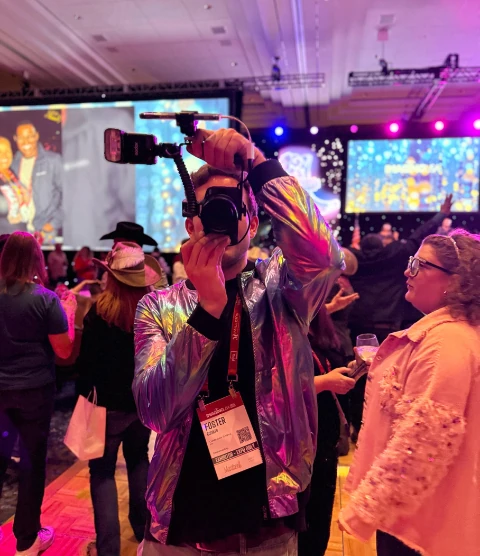
LiveLoop™ puts fresh booth and roaming photos on venue screens as you upload. Add sponsor slides to the rotation. It’s included with every QuicPics event.
See LiveLoop™ in action| Feature | QuicPics | PhotoDay |
|---|---|---|
| Set your shipping price | ✓ | × |
| Photo booth software | ✓ | × |
| Live venue slideshows | ✓ | × |
| Free background removal | ✓ | × |
| In-app virtual team photos | ✓ | × |
| AI photo editing | ✓ | ✓ |
| Automatic edits on upload | ✓ | × |
| AI culling on upload | ✓ | × |
| Automatic jersey recognition | ✓ | × |
| Send gallery links on first match | ✓ | × |
| Host-paid photo delivery | ✓ | ~ |
| Live photo uploads | ✓ | ✓ |
| Gallery screenshot protection | ✓ | ✓ |
| Rotatable 3D product previews | ✓ | × |
| Workflows | ||
| Roster Check-In | ✓ | ✓ |
| Selfie Check-In | ✓ | ~ |
| PhotoRosters | ✓ | ~ |
| Tap-A-Face | ✓ | × |
| Name Lookup | ✓ | × |
| Scanner ID | ✓ | × |
| Type & Take | ✓ | × |
| Simple Check-In | ✓ | × |
Reviewed November 2026 against both companies’ published documentation. PhotoDay sources open in new tabs.
Bring a recent order and a shoot you know well. We’ll help you pick a workflow and work through the numbers for your studio.